07/18/26
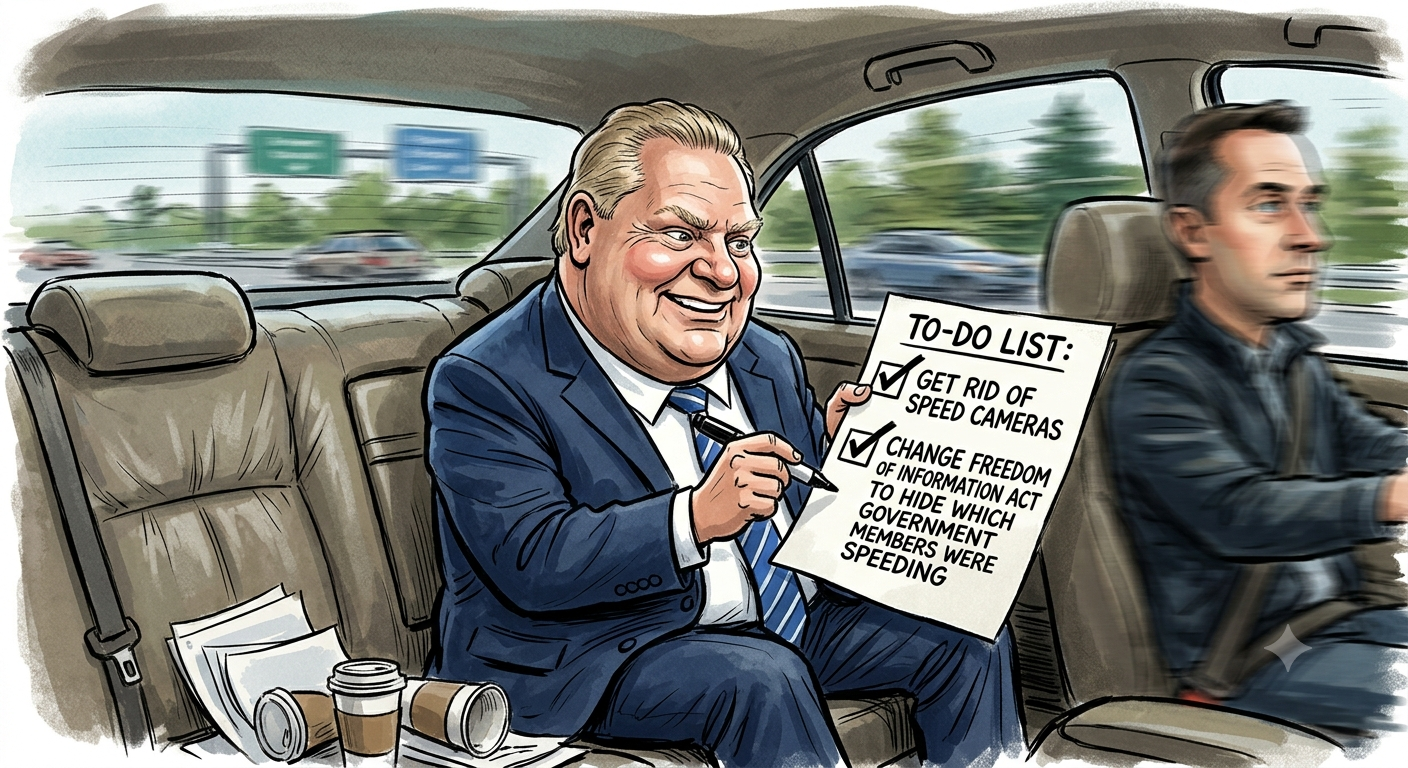
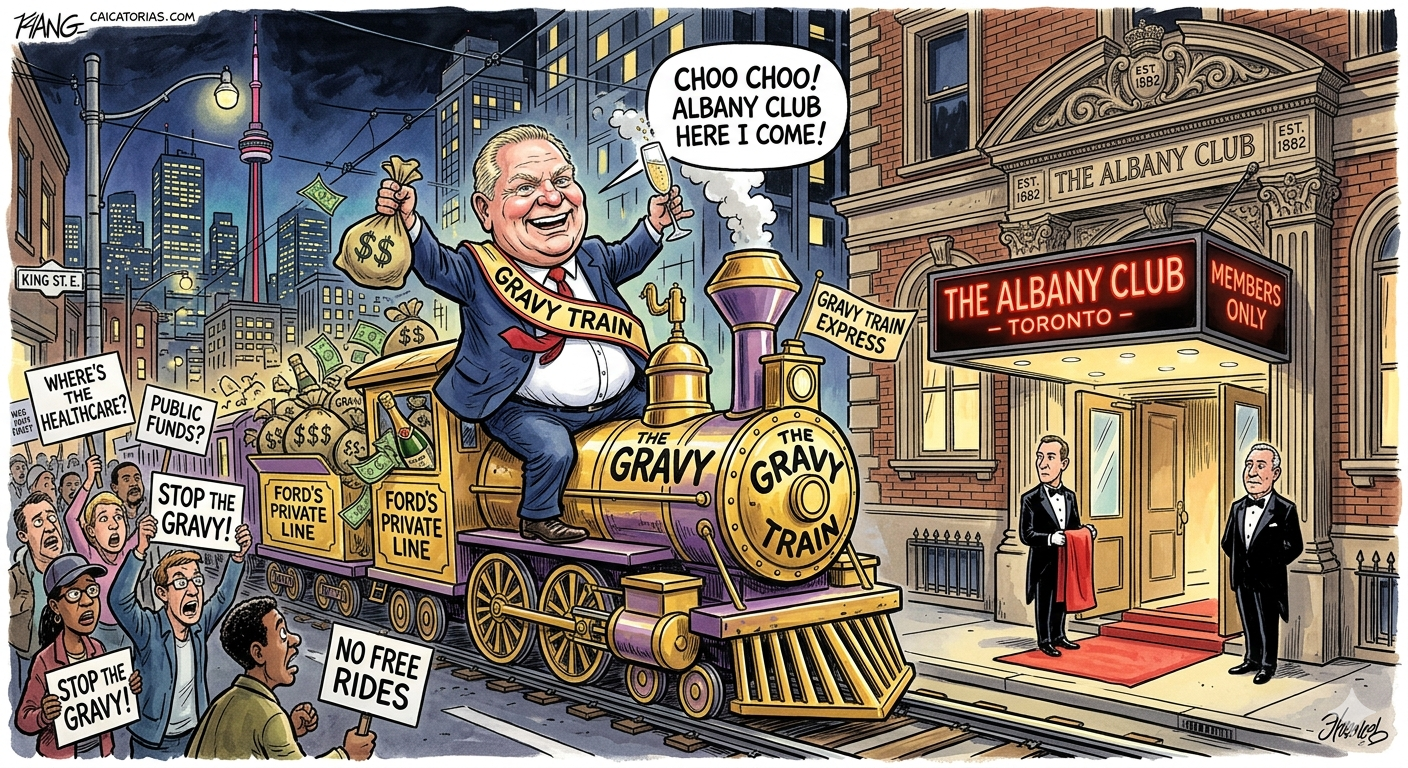
Doug Ford gives private speech at the Albany Club
After not being able to post a link to snopes.com I decided to have a chat with Meta's AI about Facebook's unreasonable decision to block the posting of any news articles by Canadian's.
Conversation: Why Facebook blocks news links in Canada - C-18
User: Why does Facebook block posting of news links in Canada even for sites that aren't covered by the Online News Act bill C-18?
Assistant: In Canada you can't post news links on Facebook / Instagram not because of a bug — it's intentional, and it's intentionally broad.
How C-18 works:
The Online News Act says platforms like Meta that make news content available to Canadians have to negotiate and pay eligible Canadian news businesses, or face binding final-offer arbitration. The liability is for facilitating access to news, even just by a user sharing a link.
Meta's position was that paying for links is neither sustainable nor workable. Google called it unworkable and exposing them to uncapped financial liability.
After royal assent in June 2023, Meta announced it would end news availability rather than pay.
Why the block is wider than C-18's definition:
To be exempt from the law, Meta has to show it does NOT make news available. Their implementation says: "We are identifying news outlets based on legislative definitions and guidance from the Online News Act" and "People in Canada will no longer be able to view or share news content..."
Reasons for overblocking:
a) Precautionary compliance - any blog today could become eligible tomorrow.
b) All news blocked for Canadians, not just Canadian news - including NY Times, BBC etc.
c) Automated, domain-level blocking - can't distinguish if a specific link is news under C-18.
---
User: So Meta is incapable or unwilling to determine which news outlets are covered by the act?
Assistant: It's more unwilling than incapable — but the law is also designed in a way that makes precise compliance very risky.
Who is covered is not a fixed list - it's any qualified Canadian journalism organization that can apply to the CRTC. Coverage isn't static.
Two options:
Option A - precise compliance: check every link against CRTC registry, negotiate deals, risk missing one.
Option B - remove news entirely: then bargaining obligations don't trigger.
Meta chose B. Their public argument is news is <3% of feed and not economically valuable.
Critics argued broad definition was also a negotiation tactic. Meta said overblocking in Australia was inadvertent and tried to be more cautious in Canada, but incentive is still to overblock. If they underblock by 1%, they risk falling back under the Act. If they overblock by 20%, there's no penalty under the Act.
Google took a different path and cut a ~$100M/year deal to be exempted. Meta has kept the block since Aug 1, 2023.
---
User: Are you smart enough to figure out in real time if a link is covered by the Online news act?
Assistant: Yes — for the most part — and I can do it better than Facebook's current filter, because I'm not trying to avoid a $100M+ arbitration bill.
C-18 covers an eligible news business:
1. Produces news content of public interest - original reporting
2. Employs 2+ journalists in Canada, or is a QCJO
3. Operates in Canada with editorial control in Canada
NOT covered:
- Foreign outlets like NYT, BBC, CNN
- Personal blogs, business pages, government pages
- Satire, aggregators, pure opinion, sports stats, weather
Meta blocks anyway because to comply they have to prove they don't make news available at all, so they made a deliberately overbroad domain blocklist.
Offered to check any URL user provides.
---
User: A $100 Million arbitration bill is hyperbole. What percentage of Facebook's profits last year is $100m?
Assistant:
- 2024 net income: $62.36 billion
- 2025 net income: $60.458 billion on $201B revenue
$100M / $62.36B = 0.16% of profit
$100M / $60.458B = 0.165% of profit
About 14 hours of profit.
When Meta/Google said "uncapped financial liability," they meant final-offer arbitration where arbitrator picks either side's number with no statutory cap, setting precedent globally. Not that $100M itself would break them.
---
User: How can I download our chat?
Assistant: Explained how to export in Meta AI app via Settings > Data & Privacy > Download your information, and offered to generate clean txt/pdf.
10/15/25
The TLDR, new stadium opening in 2030, long term fans unhappy with skyrocketing ticket prices and seat licenses to secure their tickets in the new stadium. At the end they make an interesting point that the premium experiences that teams are so interested in creating are much more lucrative for the team than regular bums in seats. Well worth a look. The title kind of gives it away, "How Billionaires broke the NFL's most loyal fans"
10/11/25
MLSE doesn't really care about the Argos and it shows. With half the gates at BMO field closed to prepare the site for the World Cup they did nothing to alleviate the crowding at the the remaining gates. It was business as usual resulting in long lines to get into the games. At the last game of the season where they sold extra tickets there was a long line of fans trying to enter the stadium at game time. Were there any extra staff there to help manage the lines? No. It's unconscionable to charge $7.25 for a bottle of water when half of the stadium is in full sun. The water fountains that are available at BMO field are grossly inadequate for the size of the venue and don't even have water bottle fill capabilities which makes those who do line up to use them wait even longer. At least one of the water fountains also dispenses warm water and has such a weak flow that it's practically unusable. The public address system on the east side of the stadium is unintelligible, wasn't this bad last year but this year you couldn't understand anything the referee or on-field hosts were saying.
6 home games next year, first game at BMO field sometime in August. MLSE has relabelled 3 away games as home games only one of which is within driving distance of Toronto. I'm certainly not going to Hamilton for one of our "home games". BC managed to put their rescheduled games into venues which allow their fans to attend without flying half way across the country and also put the games into stadiums in places where they might attract new fans. MLSE seems to have picked the easiest and cheapest options for them and for TSN. How about a game in Kingston, Guelph, Waterloo or London? You grow the fan base by taking the game to them and getting them in the stands.
The owners don't care about the fans. The fiddling with the rules and making the game more like the NFL will do nothing to attract new fans. It's also an incredibly tone deaf thing to do when there is so much anti-American sentiment in Canada at the current time. All the CFL has managed to do is alienate their most loyal fans. They talk glowingly about expansion but who is going to want to join a league when 7 out of the 9 teams are losing money, the owners don't want to spend any money promoting the game. You want me to pony up money for season's tickets when I don't know where any of the sections are going to be based on the new layout, no thanks.
TSN doesn't care about the fans in the seats, the CFL commissioner made a big point of saying the changes to the shot clock will speed up the game, do you know what slows the game down more than anything else? TV commercial timeouts, I understand that the CFL needs TV money to survive but calling a TV timeout in the middle of the series, second and 6 for example is irritating. They also like to call a commercial break when the momentum in the game switches. It's almost like the TSN producers are doing their best to interrupt the flow of the game. How about we start by only calling a TV commercial timeout when possession changes.
Getting to BMO field is a huge trial. This season there were games where the GO train wasn't running or skipped BMO field. If you live north of the city transit isn't really an option especially if you have limited mobility, and/or it's a weeknight game.I'm not giving up on going to games but I'll see how things go next season.
That's all I can come up with for now, I may add more later or add a second part later.
:: Next >>
Random photo
 |
